` and injects a Nudj widget wired to your community. The widget is styled from the [community theme](/enterprise/white-labeling) and respects the embed configuration created in the admin panel.
## Setup
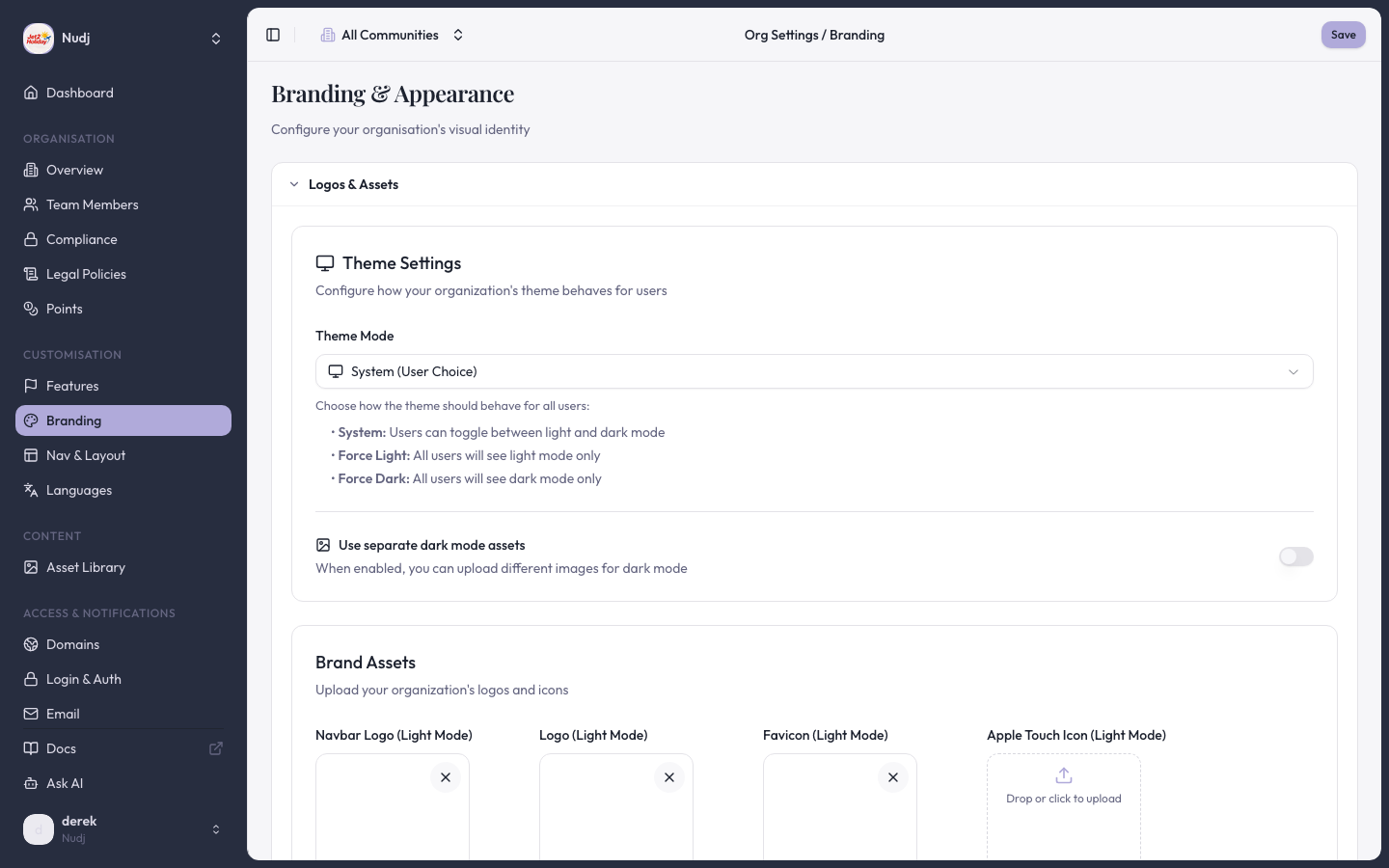
Open the admin panel's embed customisation panel (PR #1971). Choose the widget layout, theme overrides, and the authentication mode — [OIDC SSO](/enterprise/sso-authentication) or [API Link](/enterprise/api-link-user-authentication) token handoff.
The customisation panel surfaces a ready-to-paste snippet. It looks something like:
```html theme={null}
```
Paste the snippet anywhere on the page. The widget renders into the placeholder div on first paint.
* **OIDC flow** — the user clicks "Sign in" inside the widget and is redirected through your identity provider and back.
* **API Link flow** — your server issues a Nudj token and your page passes it to the widget (see [API Link](/enterprise/api-link-user-authentication) for the protocol).
## CSP allowlist
PR #2333 opened the Nudj user app's CSP `frame-ancestors` directive so the universal embed can render on arbitrary third-party domains without the browser blocking it. This matters because the widget ships as an iframe under the hood — without the CSP change, every new embedding host would have needed a manual allowlist entry.
## When to pick the universal embed
| Your surface | Best fit |
| ----------------------------------------- | --------------------------------------------------------------------------------------------------------------------- |
| Shopify storefront | [Shopify storefront widgets](/enterprise/shopify/storefront-widgets) — richer block catalog, theme editor integration |
| Any other ecommerce / CMS / custom site | Universal embed widget (this page) |
| Native mobile app | [Mobile webview](/enterprise/embedding-integration) |
| You host the full user app on your domain | Iframe + CNAME ([white-labeling](/enterprise/white-labeling)) |
## Differences from the Shopify widget
The universal embed and the Shopify theme app extension share the same underlying Nudj user app. What differs:
* **Distribution** — the Shopify widget is a theme app extension merchants add from the theme editor; the universal embed is a script tag you host.
* **Configuration surface** — Shopify widgets are configured per-block in the theme editor; the universal embed is configured once in the admin panel.
* **CSP** — Shopify storefront domains are allowlisted by PR #1638; universal embed uses the wider allowance from PR #2333.
## Next steps
Compare all four embedding modes.
Theme the embedded widget to match your brand.
> Last reviewed: 2026-04 · Related PRs: #1971, #2333, #1638
 ## What it is
A small embed script you drop into your site. The script finds a placeholder `
## What it is
A small embed script you drop into your site. The script finds a placeholder `