

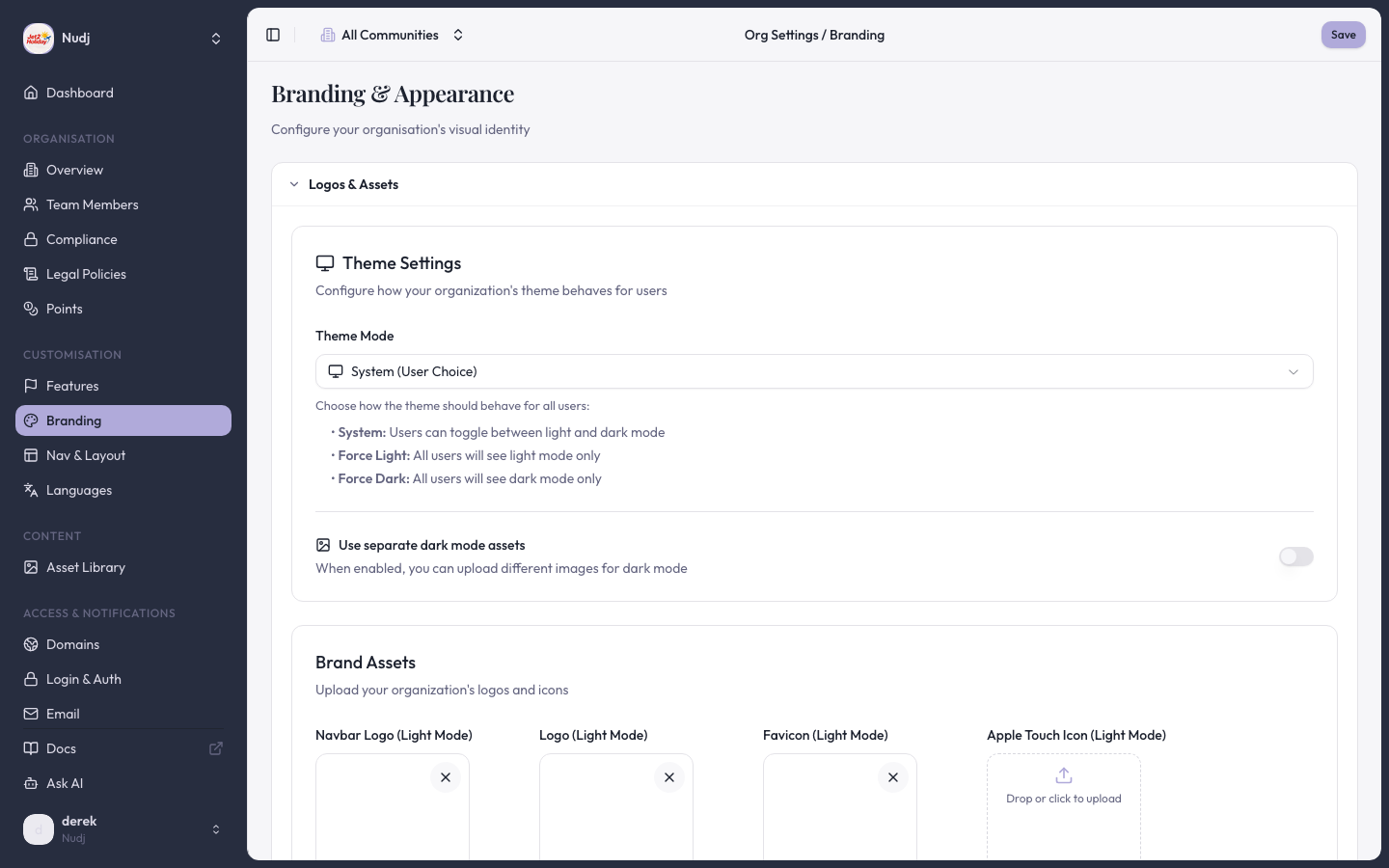
Branding & Appearance panel: theme mode, logos, and brand assets configured here.
What it is
A small embed script you drop into your site. The script finds a placeholder<div> and injects a Nudj widget wired to your community. The widget is styled from the community theme and respects the embed configuration created in the admin panel.
Setup
1
2
Copy the embed snippet
The customisation panel surfaces a ready-to-paste snippet. It looks something like:
3
Drop the snippet onto your page
Paste the snippet anywhere on the page. The widget renders into the placeholder div on first paint.
4
Authenticate the user
- OIDC flow — the user clicks “Sign in” inside the widget and is redirected through your identity provider and back.
- API Link flow — your server issues a Nudj token and your page passes it to the widget (see API Link for the protocol).
CSP allowlist
PR #2333 opened the Nudj user app’s CSPframe-ancestors directive so the universal embed can render on arbitrary third-party domains without the browser blocking it. This matters because the widget ships as an iframe under the hood — without the CSP change, every new embedding host would have needed a manual allowlist entry.
When to pick the universal embed
Send visitors to a place on your site
A welcome tour step can be something the visitor does on your own page, such as looking at pricing. When a visitor presses that step, the widget tells your page which step it was and your page takes them there. The widget never moves your page itself. Listen fornudj:tour_step and call event.preventDefault() once you have handled it. The widget then closes.
eventNameis the custom event the step waits for, so it is the same name your site already sends when the visitor does it.- Call
preventDefault()straight away in the listener, not after afetchor a timer. - If you use the
nudj("on", "tour_step", callback)form instead, returntruefrom the callback to say you handled it. - If your page does not handle a step, the widget stays open and shows that step’s description as a short how-to line. A step with no description shows a stock line saying the step is done on the site itself, so give every step its own.
- If your listener moves keyboard focus to the place, focus stays there after the widget closes.
- Pressing a step does not complete it. The step is ticked when your site sends its event, as before.
Differences from the Shopify widget
The universal embed and the Shopify theme app extension share the same underlying Nudj user app. What differs:- Distribution — the Shopify widget is a theme app extension merchants add from the theme editor; the universal embed is a script tag you host.
- Configuration surface — Shopify widgets are configured per-block in the theme editor; the universal embed is configured once in the admin panel.
- CSP — Shopify storefront domains are allowlisted by PR #1638; universal embed uses the wider allowance from PR #2333.
Next steps
Embedding modes overview
Compare all four embedding modes.
Custom domains + theming
Theme the embedded widget to match your brand.
Last reviewed: 2026-04 · Related PRs: #1971, #2333, #1638