- Plan → 2. Create Basic Info → 3. Set Scheduling → 4. Add Actions → 5. Set Rewards → 6. Advanced Settings → 7. Test → 8. Launch → 9. After Launch
Step 1: Plan Your Challenge
Don’t open the Control Room yet. Seriously. Spend 5 minutes thinking first. The challenges that fail are the ones where admins built first and thought about the goal later.What behavior do you want?
“Get new members to introduce themselves” is a real goal. “Award points” is not—that’s the reward after they do something worth rewarding. Be specific about behavior, not points.
Which format fits?
Knowledge (teach), Community (relate), Creative (create), or Social (amplify). Pick one. See Challenges Overview for examples.
What's the action sequence?
Think through what users do, in order. Sweet spot: 3-5 actions. Every action past that decreases completion. Longer feels like checklists, not quests.
What's fair payment?
Use 1 point per 5 seconds. 5 min = 50-75 points. 10 min = 100-150. This isn’t arbitrary—it’s what feels right. Don’t cheat it.
Step 2: Create Basic Info
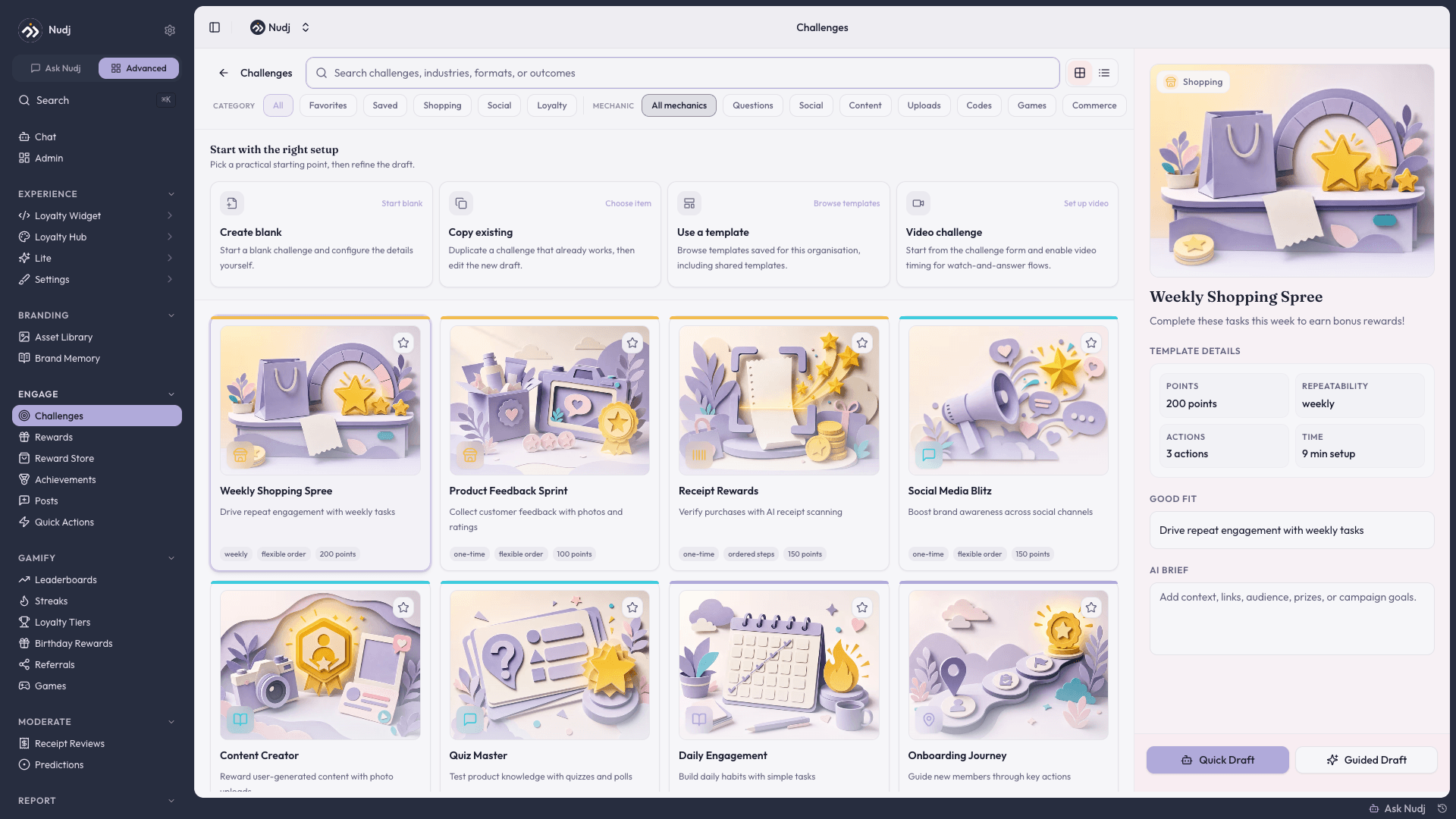
Go to Control Room > Engagement > Challenges > Create ChallengeTitle
Action-oriented. “Learn Product Basics” not “Product Knowledge.” People need to know exactly what they’re doing in two words.
Image
Upload a square image (1:1 ratio, 1440x1440px). Light theme required, dark theme optional (set in Advanced if needed). Distinct images get completed. Generic ones get ignored.
Description
Rich text, up to 3000 chars. Your pitch: what they’ll do, what they’ll learn, why it matters. 1-2 sentences. Short and punchy.
Feature It (Optional)
Mark as “Featured” for VIP visibility. Use for top-priority challenges only—overuse kills the status.
Step 3: Set Scheduling & Timing
When do people start? When do they finish? Can they repeat?- Start & End Dates
- Repeatability
Start Date (optional) — Leave blank to go live now. Set a date to schedule for campaigns.End Date (optional) — Leave blank for evergreen. Set one to create urgency. Sweet spot: 7-14 days out.
New Member Onboarding
Start: Now • End: None • Repeats: OFF
Weekly Discussion
Start: Every Monday • End: Friday • Repeats: Weekly (1/week)
Flash Campaign
Start: Announcement • End: 7 days • Repeats: OFF
Monthly Creator Showcase
Start: 1st • End: Last day • Repeats: Monthly (1/month)
Step 4: Add Actions
What are actions? Actions are the individual tasks that make up your challenge. Think of them like steps in a recipe. Each action is something users do in sequence. A challenge is just a collection of actions strung together. You might have: “Watch this video” (rich media action) → “Answer a question” (question action) → “Share on Twitter” (social action). That’s three actions = one challenge. Click Add Action to start building your sequence. Users complete them in order.Opening action
Set the stage. Quick intro, instructions, or a question to hook them. First impression matters.
Middle actions
The core work. Mix action types based on your goal. Each has a dedicated page with full config options:
Closing action
End strong. Confirmation, final question, or results. Make them feel the win.
Here are the different types of actions available below. Click on each one to learn more.
Questions
Quiz, multiple choice, open-ended
Feedback
Surveys, dates, ratings, text responses
Platform Actions
Comments, likes, posts
Rich Media
Images, videos, files, HTML
Social Media
Twitter, Instagram, Facebook
Step 5: Set Rewards
What do members earn for completing the challenge? Rewards are what make challenges feel worth doing.Not sure what rewards are available? See Rewards Overview for a complete guide to all reward types and when to use each one.
Points
Spendable currency. Use this as your baseline reward. A common formula is 1 point per 5 seconds of time (5 min = 50-75 points), but adjust based on your community.
XP
Experience points for your leaderboard/leveling system. These feed into member progression and status, separate from spendable points.
Badges
Digital achievements displayed on member profiles. Instant recognition and bragging rights. Users keep them forever. Great for milestones and accomplishments.
Regular Rewards
Instant rewards users own immediately: discount codes, gift cards, merchandise, digital rewards, or physical items.
Giveaway Entries
Chances to win in drawings. Users earn entries, but only some win the actual reward. Great for high-value prizes and building excitement.
Step 6: Configure Advanced Settings
Fine-tune your challenge with extra options and power features.Tags
Help people find this challenge faster. Add searchable labels like “onboarding”, “product-launch”, “fitness”, etc.
Custom Dark Mode Images
Optional. Upload different images for dark mode users. Most challenges are fine with the same image in both themes, but some designs look better with custom variants.
Campaigns
Group challenges together for organization and reporting. Perfect for tracking performance across related challenges or tracking a campaign’s overall impact.
Cross-Community Sync
Run the same challenge across multiple communities with shared progress. Members see they’re competing/collaborating with people from other communities.
Template Settings
Make this challenge available as a template that other organizations can copy and customize. Or keep it private to just your org.
Step 7: Test Before Launch
Don’t skip this.Preview as a user
Click Preview. See exactly what members see. Test on mobile too.
Complete it yourself
Actually go through your challenge. Time it. Look for typos, broken links, confusing instructions.
Verify rewards
Complete the challenge. Confirm the right points/achievements are awarded.
Takes 10 minutes and saves you from launching broken challenges. Do it.
Step 8: Launch
Choose your method:Publish Immediately
Goes live right now to all eligible users.
Schedule for Later
Set a future date/time. Good for coordinated campaigns.
Keep as Draft
Save for now. Launch when you’re ready.
Step 9: After Launch
The work doesn’t end when you click publish.Monitor first 24-48 hours
Check analytics. Are users starting? Completing? Where do people drop off?
Check drop-off rates
If drop-off is >50% at one action, something’s unclear or too hard. Edit the instructions or simplify.
Gather feedback
Ask users what was confusing or what they loved. Real feedback beats assumptions.
Iterate and improve
Update based on what you learn. Don’t be afraid to make changes.
See Analytics for detailed performance tracking and metrics breakdown.
Pro Tips
Start small
Your first challenges teach you what works. Keep to 3-5 actions. Seriously.
Be specific
“Introduce yourself to 3 members” beats “engage with community” every time.
Test on mobile
Mobile users are real users. Verify it actually works on phones.
Don't overthink rewards
The 1 point per 5 seconds formula is bulletproof. Trust it.
Layer formats
Knowledge + Community works: “Learn, then teach someone.”
Launch, measure, iterate
One good challenge is better than five mediocre ones. Keep improving.